 CompassDocs
All of CompassDocs. None of the servers.
The same open-source knowledge base, fully managed. Pick a name, and your team’s workspace is live at yourteam.compassdocscloud.com in minutes—updates, backups, and monitoring included.
From $8/user/month · free trial at launch, no credit card · export & leave anytime
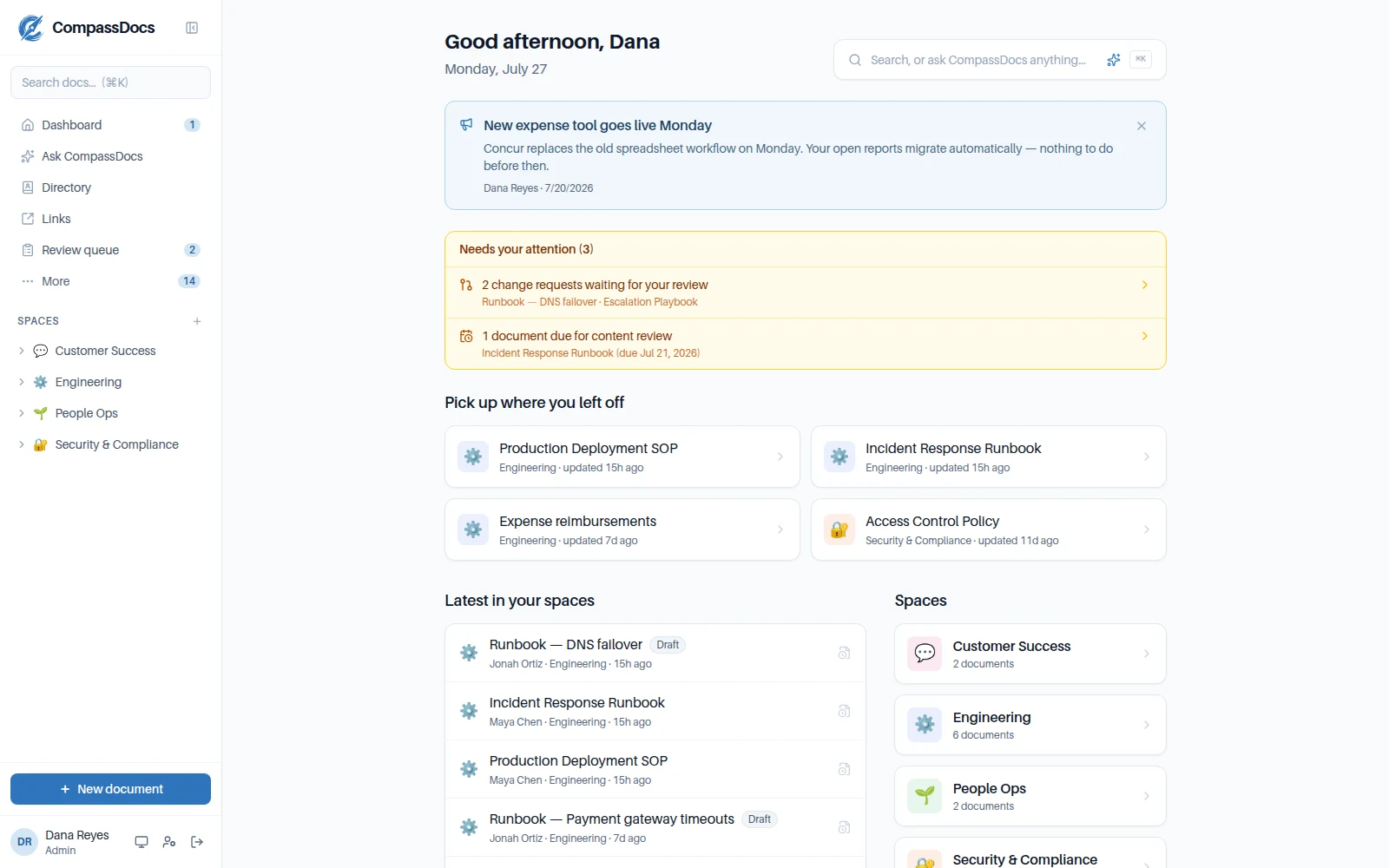
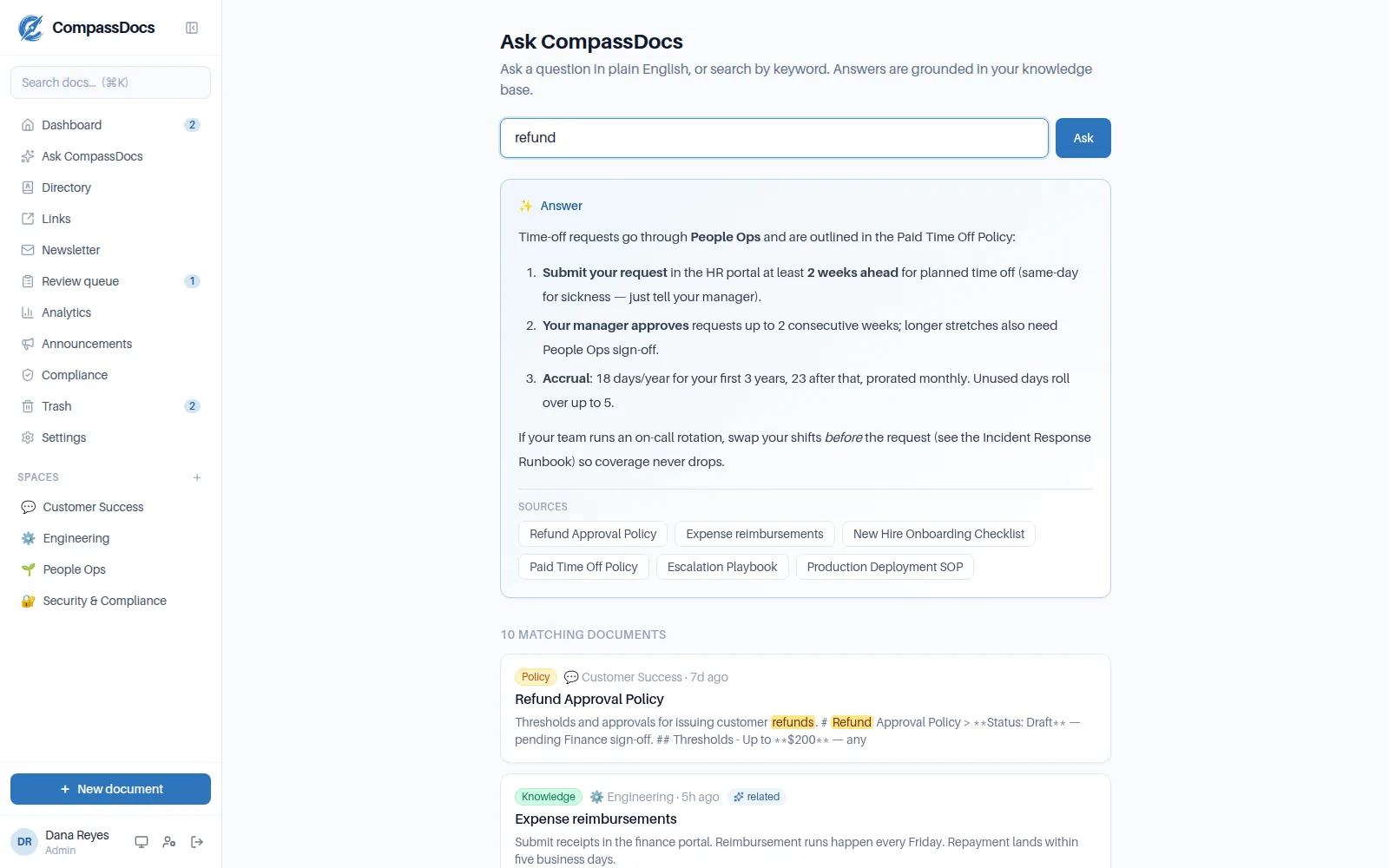
Your workspace is the full product—AI search, approvals, the Claude connector, everything.
We run it like it’s ours. Because it is.
CompassDocs Cloud runs the exact same application self-hosted teams deploy—operated by the people who build it.
Hosted & maintained
We run the servers, the database, TLS, and the monitoring. You get a URL and an admin account—nothing to patch or babysit.
Isolated by design
Every workspace runs as its own instance with its own database—no shared tables, no co-mingled data with other customers.
Backups that restore
Nightly encrypted off-site backups—and we verify them by actually restoring them, automatically, every week.
Always up to date
Releases roll out gradually with health checks at every step—you’re always on the latest CompassDocs without lifting a finger.
Enterprise features included
SSO (SAML & OIDC), SCIM provisioning, policy acknowledgements, and audit-log export are all part of Cloud—no separate license.
No lock-in
It’s the same AGPL-3.0 app. Export your knowledge base anytime, or move to self-hosting—your data is yours.
Support from the builders
Cloud support comes from the people who write the code—plus a public status page, so you always know how things are running.
Live in minutes, not sprints.
Claim your workspace
Pick a name—yourteam.compassdocscloud.com—and we provision your own isolated instance with HTTPS ready to go.
Sign in & make it yours
You get the admin account. Set your name, logo, and theme; create spaces; turn on AI answers.
Bring your team & your content
Invite people or wire up SSO and SCIM. Import existing docs—Markdown and Word—and connect Claude to draft and search from chat.
We take it from there
Nightly backups, health monitoring around the clock, and gradual, health-checked updates—visible on the public status page.
One plan. Everything on.
- Your own isolated instance & database
- Workspace at yourteam.compassdocscloud.com
- 25 GB document & attachment storage
- Nightly encrypted backups, restore-tested weekly
- Automatic, health-checked updates
- SSO (SAML & OIDC), SCIM & directory sync
- Policy acknowledgements & audit-log export
- Training & onboarding decks with completion tracking
- Claude connector & public REST API
- 24/7 monitoring & public status page
- Support from the team that builds it
- One-command Docker install
- Runs entirely on your servers
- Add Enterprise identity features for a flat $599/yr
- Move to Cloud later—same app, same data format
Prices in USD. Larger teams, nonprofits, or education? Talk to us.
Cloud FAQ.
Is Cloud the same product as the open-source version?
Yes—literally. Your workspace runs the exact same application image that self-hosted teams deploy, with enterprise features switched on. There is no separate “cloud fork”: every feature, fix, and release lands in both at the same time.
How is my data kept separate from other customers?
Isolation is structural, not policy. Each workspace runs as its own application instance with its own PostgreSQL database and its own storage volume—other workspaces can’t reach your data because nothing is shared at the application layer. Operational details are available under NDA in our Trust Center.
What about backups?
Every workspace is backed up nightly to encrypted off-site storage, with daily and weekly retention. We don’t just take backups—we automatically restore-test them every week, so a backup that wouldn’t restore gets caught by us, not by you.
Can I use my own domain?
Your workspace lives at yourteam.compassdocscloud.com with HTTPS included. You can point a domain you own at it with a simple redirect today—see the guide—and native custom-domain hosting is on the roadmap.
Can I leave? What’s the exit path?
Anytime. Export your knowledge base from the app, or move to the self-hosted Community edition—it’s the same application and the same data format, so there’s nothing to convert. No lock-in is a feature, not a promise.
Where is it hosted?
Workspaces are currently hosted in the United States. Live availability is always visible on our public status page.
Does the Claude connector work on Cloud?
Yes, out of the box—connect Claude to your workspace address and your team can search, draft, update—and upload screenshots into—documents from chat, governed by the same roles and space permissions as the web app.
How do updates work?
New releases roll out to Cloud gradually with health checks at every step—we run each release on our own internal systems first, and a rollout stops automatically if anything looks wrong. You’re always on a current version without scheduling maintenance windows.
Be first through the door.
Self-service trials open soon. Leave your email and you’ll get the invite the day registration goes live—no spam, just the one email.
Can’t wait? Self-host it free today →