 CompassDocs
Announcements & a real internal newsletter
Post an announcement and it’s on every dashboard — optionally blasted to email and chat. For the monthly update, draft a branded HTML newsletter with the same rich editor, route it through an approver, and send or schedule it.
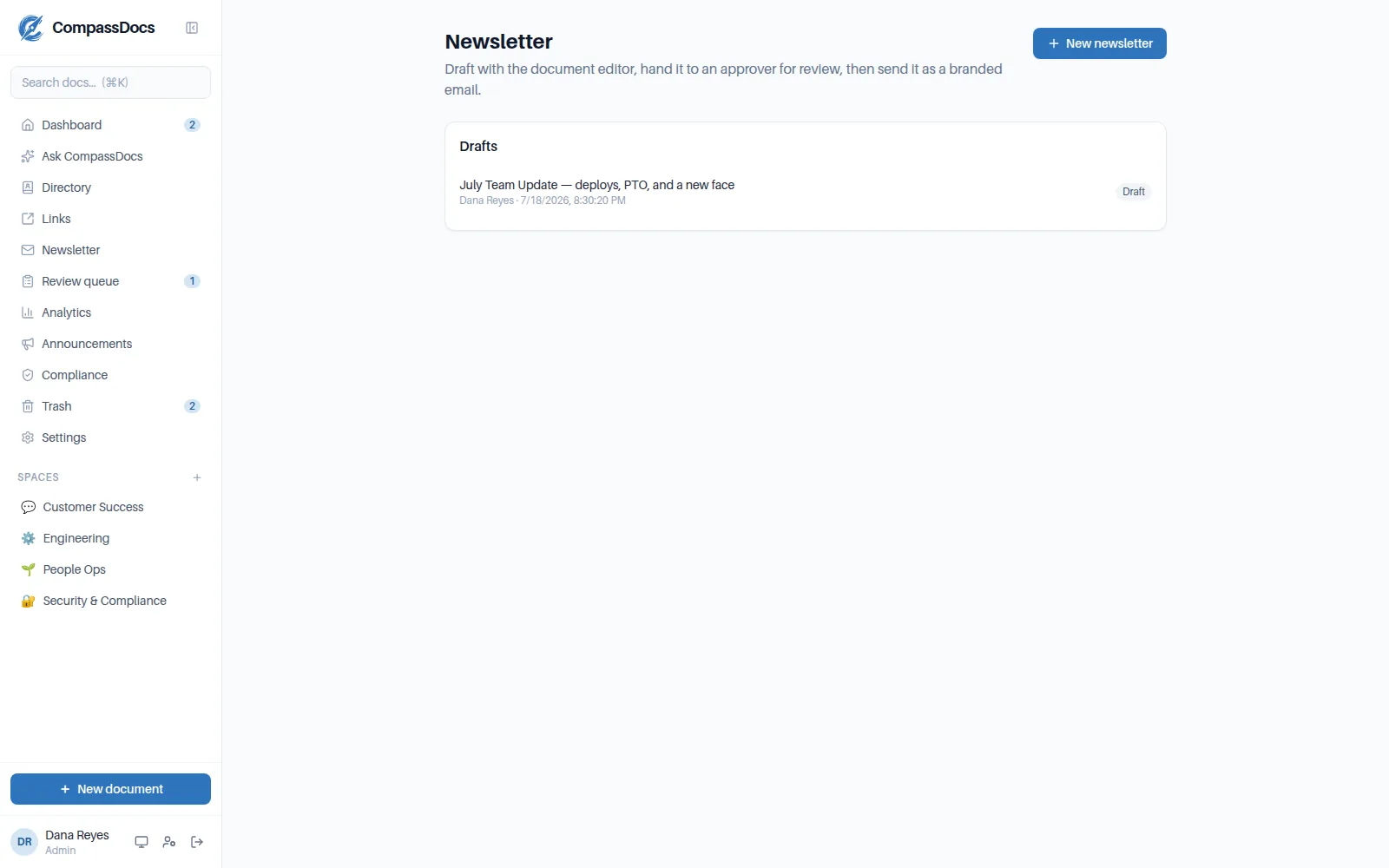
A newsletter draft: rich content, recipients, and the approval hand-off in one place.
What you get
- Announcements with info/warning/critical levels, expiry, and per-user dismiss
- Optional email + webhook (Teams, Slack, Webex) delivery at post time
- Newsletters: images, buttons, dividers, spacers — real branded HTML email
- Editorial workflow: contributors draft, approvers review and comment, then send
- Send now or schedule; recipients also see it on their dashboard for a few days
Your brand in the inbox
Accent color, logo, custom header banner, background textures, and email-safe fonts — tuned in a live mini-preview.
Approve before send
Nothing mass-mails your company without a second set of eyes: drafts move draft → review → approved → sent.
Auto-archive
Sent newsletters can file themselves as published documents in a space — your update history, searchable.
Frequently asked
Can announcements reach people outside the app?
Yes — optionally email everyone (or chosen groups) and post to chat webhooks at announce time. The dashboard block remains the source of truth.
Who can send a newsletter?
Only approvers approve, and only approved newsletters send. Contributors draft and hand off — the roles are assigned per user, with per-newsletter reviewer lists when you need them.
Related: Comments & @mentions · Admin console · People directory
Free & open source to self-host
One Docker command installs CompassDocs with unlimited users and documents. Enterprise adds SSO, Microsoft 365 sync, compliance, and training for a flat $599/year.
Get started in 2 minutes See pricing