 CompassDocs
A launchpad for all your tools
Payroll, ticketing, the wiki you're migrating from — curate shortcuts with icons into one tidy launchpad, grouped by category and restricted by group when a link isn't for everyone.
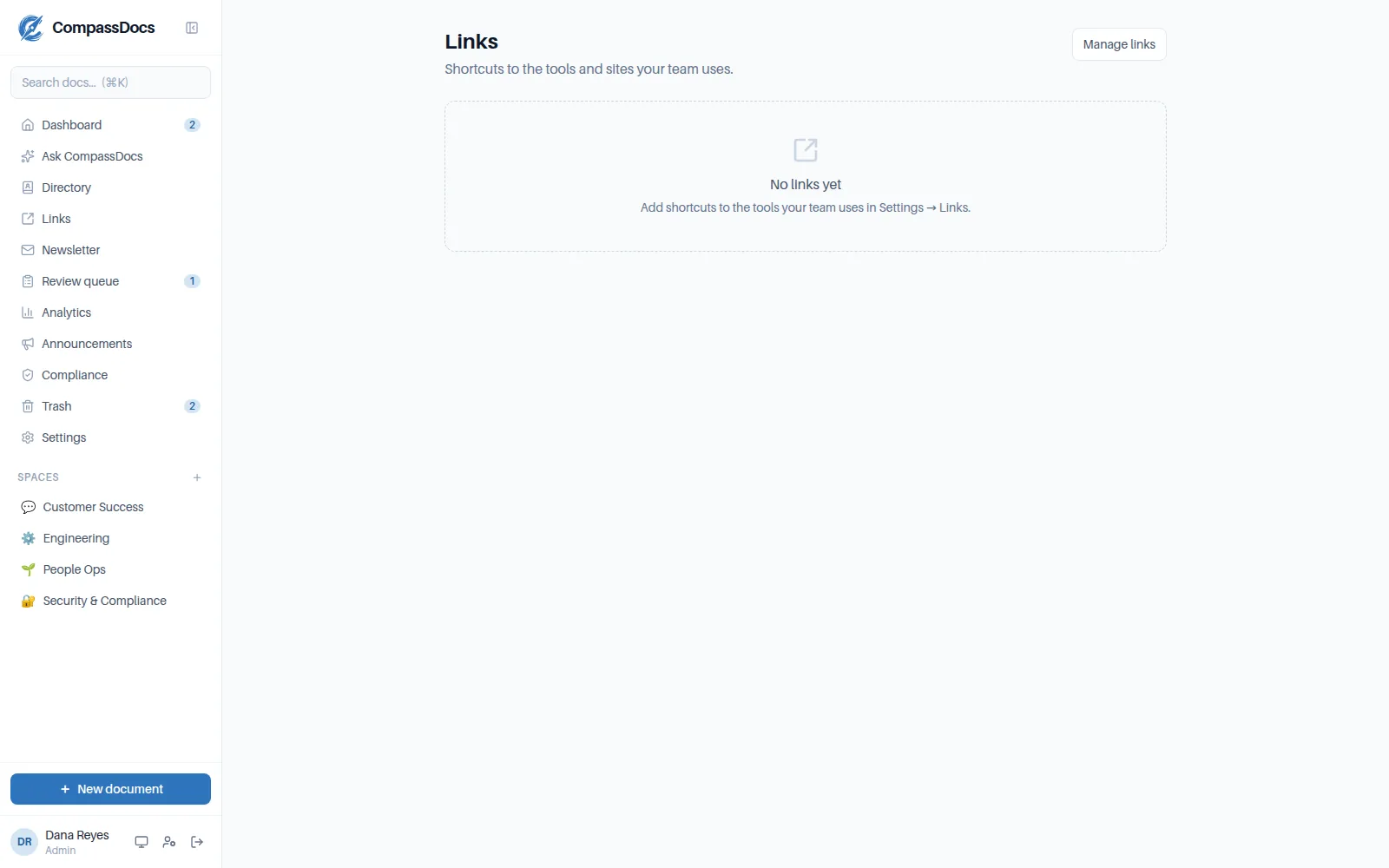
Curated shortcuts with fetched site icons, grouped by category.
What you get
- Categories keep the launchpad tidy as it grows
- Auto-fetched site icons (or upload your own)
- Restrict any link to chosen groups — finance tools for finance
- Admin-curated, so it stays authoritative rather than becoming a link dump
Fewer “where is…?” questions
New starters get every tool from day one — the launchpad is the onboarding page.
Icons fetched for you
Paste a URL and CompassDocs pulls the site's icon through a safe server-side proxy.
Group-aware
Links can target groups, so each person sees a launchpad relevant to them.
Frequently asked
Who can add links?
Admins curate the launchpad from the console — that's what keeps it trustworthy.
Can links be restricted?
Yes, per-link to one or more groups. Everyone else simply doesn't see them.
Related: Admin console · People directory · Documents & spaces
Free & open source to self-host
One Docker command installs CompassDocs with unlimited users and documents. Enterprise adds SSO, Microsoft 365 sync, compliance, and training for a flat $599/year.
Get started in 2 minutes See pricing