 CompassDocs
A public site for chosen spaces
Mark a space public and its published documents get a clean, anonymous website — searchable, printable, branded with your logo. Everything else stays behind sign-in.
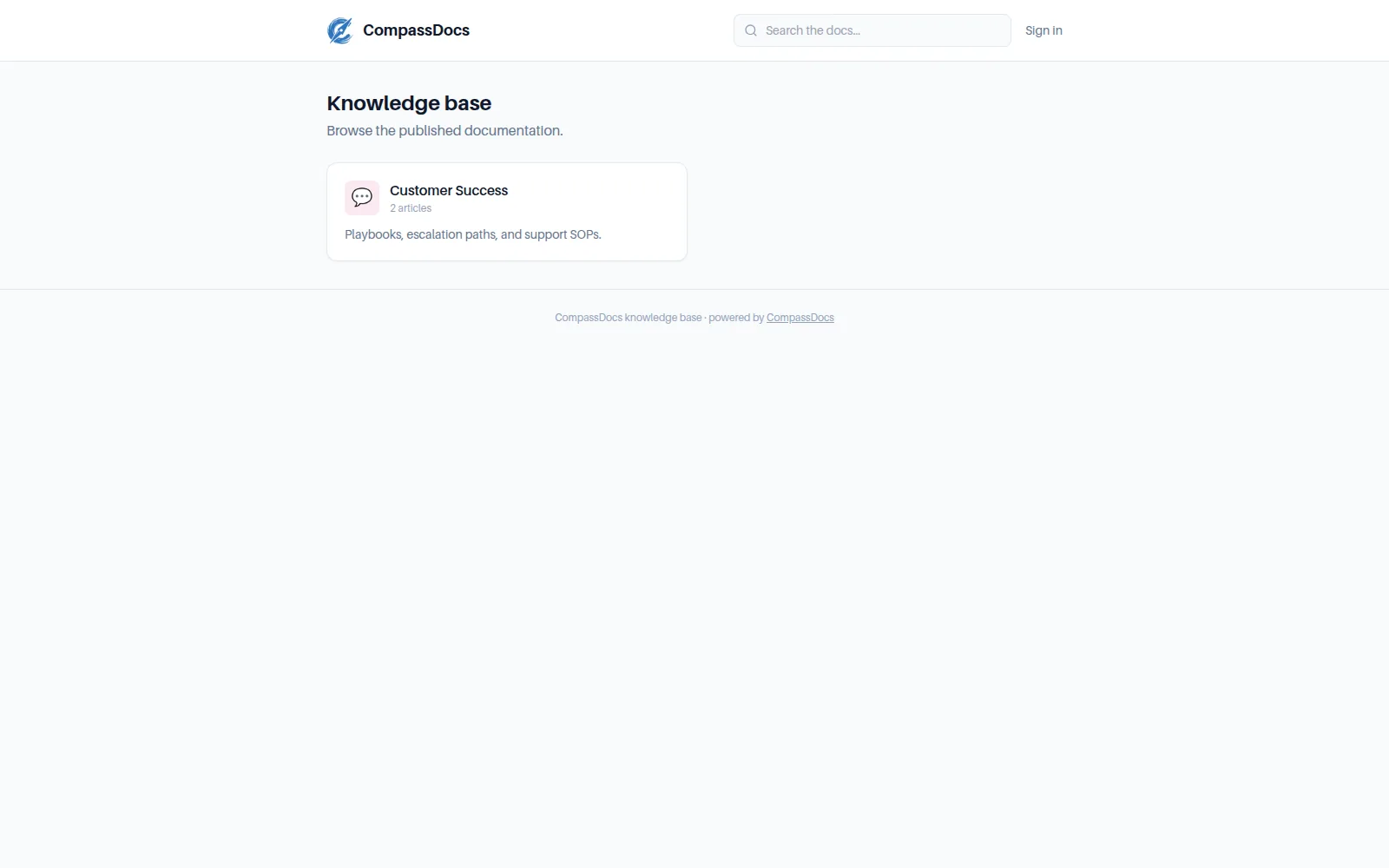
The anonymous view: clean reading page, public search, print/PDF — no account needed.
What you get
- Per-space: public, internal, or private — you choose exactly what's exposed
- Anonymous search across public content only
- Clean slug URLs, your branding, and print/save-as-PDF
- Master switch + search-engine indexing control
- Drafts are never public; unpublishing is instant
Custom domain & HTTPS
The built-in Caddy proxy serves your domain with automatic Let's Encrypt certificates — configured from the UI.
SEO you control
Sitemaps and indexing are opt-in — run a public handbook for customers or keep it link-only.
Hard boundary
Public routes can only ever see public spaces' published documents — enforced server-side, not hidden client-side.
Frequently asked
Can I make just one document public?
Today visibility is per-space, so a public space is the unit of sharing — tokenized single-document links are on the roadmap.
Will the public site leak private content?
No. The public routes resolve only published documents in public spaces — private and internal content isn't rendered, listed, or searchable there.
Related: Documents & spaces · Admin console · Rich editor
Free & open source to self-host
One Docker command installs CompassDocs with unlimited users and documents. Enterprise adds SSO, Microsoft 365 sync, compliance, and training for a flat $599/year.
Get started in 2 minutes See pricing